
Your website is sitting there like a content dragon hoarding gold: blog posts, product pages, case studies, FAQs, testimonials, images, stats, quotes, and perfectly usable snippets. Meanwhile, your social calendar is emptier than a fridge on the last day before grocery shopping. The fix? Learn how to extract website for social posts in a smart, legal, and repeatable way—so one webpage becomes a week, month, or even quarter of social content.
This guide walks through the practical methods to extract website content for social posts: scraping text, capturing images, formatting snippets, repurposing page sections, avoiding legal faceplants, and automating the whole circus. We’ll also show where tools like Content Generator fit in, especially if you’d rather not spend your afternoon copying paragraphs into 47 different tabs like a caffeinated raccoon.
Why Extract Website Content for Social Posts? Because Your Website Is Already Doing Half the Work
Most businesses treat their website and social media like distant cousins who only meet at awkward weddings. But your website is usually your richest source of approved, brand-safe, conversion-friendly content. It has your messaging, your offers, your expertise, your proof, and your carefully polished words that someone probably argued over in a Google Doc for six days.
When you extract website for social posts, you are not “recycling” in the boring sense. You are repurposing. Big difference. Recycling is turning an old bottle into another bottle. Repurposing is turning one blog post into a LinkedIn carousel, three X posts, two Instagram captions, a Facebook update, and a Pinterest pin. Very productive. Slightly magical. No wand required.
This approach also supports consistency, which is one of the biggest headaches in social media marketing. According to HubSpot’s marketing statistics, content creation remains a major focus for marketers because audiences expect useful, frequent content across channels. That is delightful for audiences and mildly terrifying for anyone managing social media manually.
Extracting website content helps you:
- Turn long-form pages into short-form social snippets.
- Keep messaging consistent across platforms.
- Save time by using content you already created.
- Highlight old but valuable pages that deserve more traffic.
- Create platform-specific posts without starting from a blank screen.
- Build recurring content from evergreen resources.
And yes, Content Generator was basically built for this exact job. Its website scraping and bulk content creation features help you pull content from web pages and transform it into ready-to-schedule posts across Pinterest, X, Instagram, Facebook, and LinkedIn. Instead of manually mining your site like a Victorian coal worker with Wi-Fi, you can automate the extraction, generation, design, and scheduling workflow.
Step 1: Choose the Right Pages to Extract Without Grabbing Digital Confetti
Before you extract anything, pick the right website pages. Not every page deserves to become a social post. Your privacy policy may be important, but unless your audience is extremely passionate about cookie disclosures, it probably won’t light up Instagram.
Start with pages that contain strong ideas, useful advice, product value, or audience pain points. These are content-rich pages where a few paragraphs can become many small posts. Good candidates include blog posts, product pages, landing pages, case studies, tutorials, FAQs, service pages, customer stories, resource pages, and comparison pages.
For example, if you have a blog post titled “10 Ways to Improve Your Home Office,” you can extract:
- One post per tip.
- A carousel summarizing all 10 tips.
- A short LinkedIn post about productivity.
- A Pinterest pin linking back to the guide.
- A quote graphic using the strongest sentence.
- A question post asking followers about their home office setup.
The key is to look for content that answers questions. Social media performs best when it helps, entertains, inspires, or starts a conversation. According to Sprout Social’s guidance on social media content strategy, brands need content that aligns with audience expectations and business goals—not random “Happy Tuesday” posts thrown into the void like digital confetti.
If you want a deeper walkthrough of turning pages into posts, Content Generator has a useful guide on converting website content to social posts. It explains how to think about web pages as raw content inventory instead of static pages gathering dust.
Step 2: Extract the Text Like a Professional, Not Like Someone Copy-Pasting in Panic
The simplest way to extract website for social posts is manual copy-paste. It works. It is also slow, fragile, and likely to make you question your career choices around post number 18. Manual extraction is fine for one or two pages, but if you want repeatable output, use a more structured workflow.
Here are the main methods for extracting text from webpages:
Manual copy and paste
This is best for small tasks. Open the page, copy the useful sections, paste them into a document or social media tool, then rewrite for each platform. It gives you control, but it takes time and invites human error. You might miss important sections, accidentally include navigation text, or paste the same sentence four times because your brain briefly left the building.
Browser extensions and web clipper tools
Browser tools can save article text, headings, links, and images into a workspace. These are helpful for research and content curation. However, they often still require manual cleanup before the content becomes post-ready.
RSS feeds
If your site has an RSS feed, you can automatically capture new blog titles, excerpts, and links. This is useful for sharing fresh content, but RSS excerpts are often too short or generic to become compelling social posts without rewriting.
Website scraping tools
Scraping tools extract structured content from a URL: headings, paragraphs, image URLs, metadata, and sometimes product details. This is where automation becomes interesting. Content Generator’s bulk content creation from website scraping can pull content from your pages and help convert it into social posts quickly. That means less fiddling, more publishing, and fewer browser tabs breeding in your taskbar.
If you want to go from URL to multi-platform output, check out this related guide on turning a website into social media posts. It covers the broader workflow of transforming web content into social-ready assets.
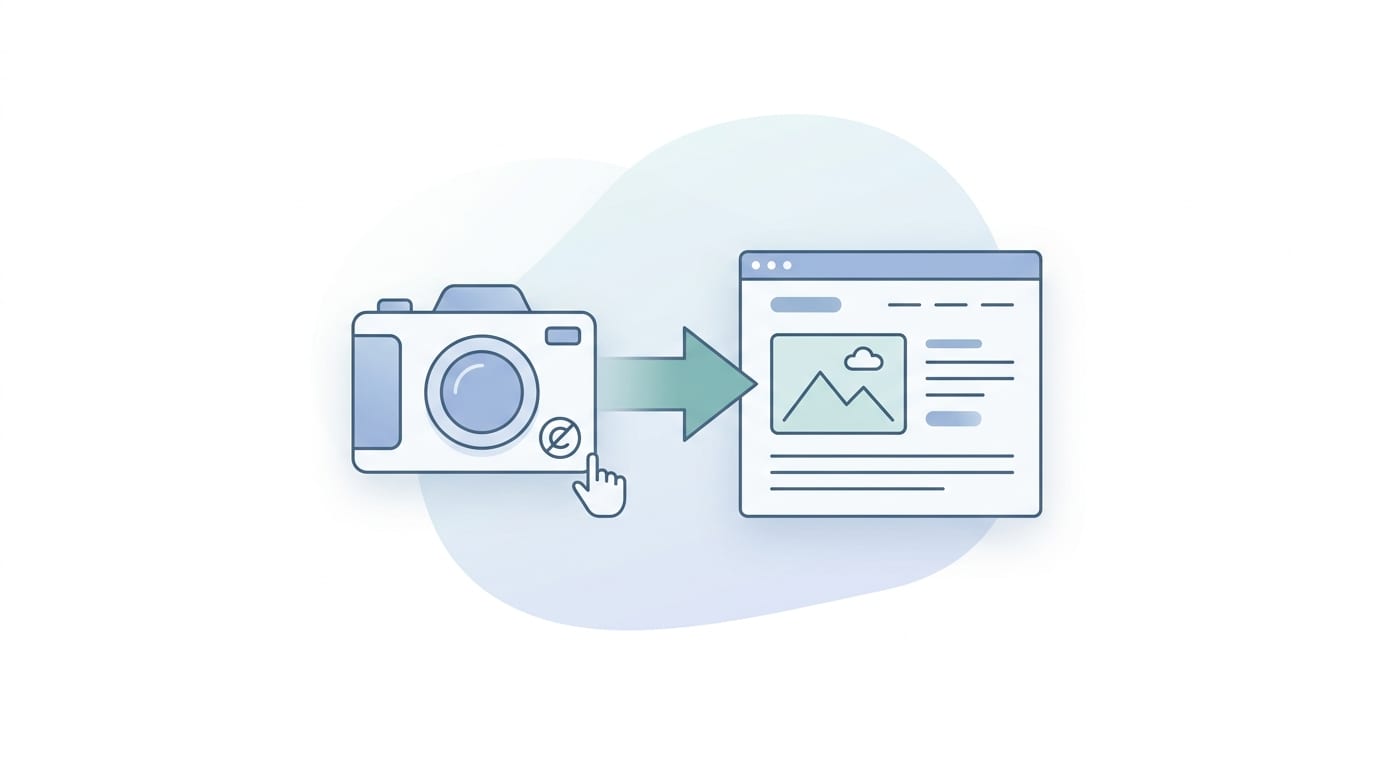
Step 3: Capture Images Without Summoning the Copyright Goblin
Text is only part of the social media meal. Images are the crispy fries. Posts with visuals generally attract more attention, and platforms like Instagram and Pinterest are built around them. But you must be careful when extracting images from websites, especially if the website is not yours.
If the content comes from your own website, you can usually reuse your own images—assuming you own or have licensed them for social distribution. Watch out for stock photos with restrictions, contributor images, or embedded third-party graphics. Just because an image is on your website does not always mean you can use it everywhere forever. Legal goblins love loopholes.
If you are extracting from third-party websites, do not simply download and repost images. Instead:
- Use images with clear licenses, such as Creative Commons with proper attribution.
- Ask permission if you want to use someone else’s original image.
- Use screenshots sparingly and only when legally appropriate, such as commentary, review, or educational context.
- Create your own branded graphics inspired by the topic, not copied from the page.
- Use AI-generated images or custom templates when you need safe, original visuals.
This is where Content Generator becomes your new best friend with a tiny robot cape. The platform includes AI image generation powered by Google Gemini, so you can create fresh visuals to match extracted website topics. Instead of grabbing someone else’s photo of “business person pointing at graph,” you can generate branded images that fit your post style and platform dimensions.
You can also use Content Generator’s template builder to turn extracted ideas into consistent designs. That matters because social media is not just about saying useful things; it is also about being recognizable while saying them. Consistent templates help followers spot your brand before they even read the caption. Tiny dopamine fireworks.
Step 4: Turn Raw Website Text Into Platform-Specific Social Posts
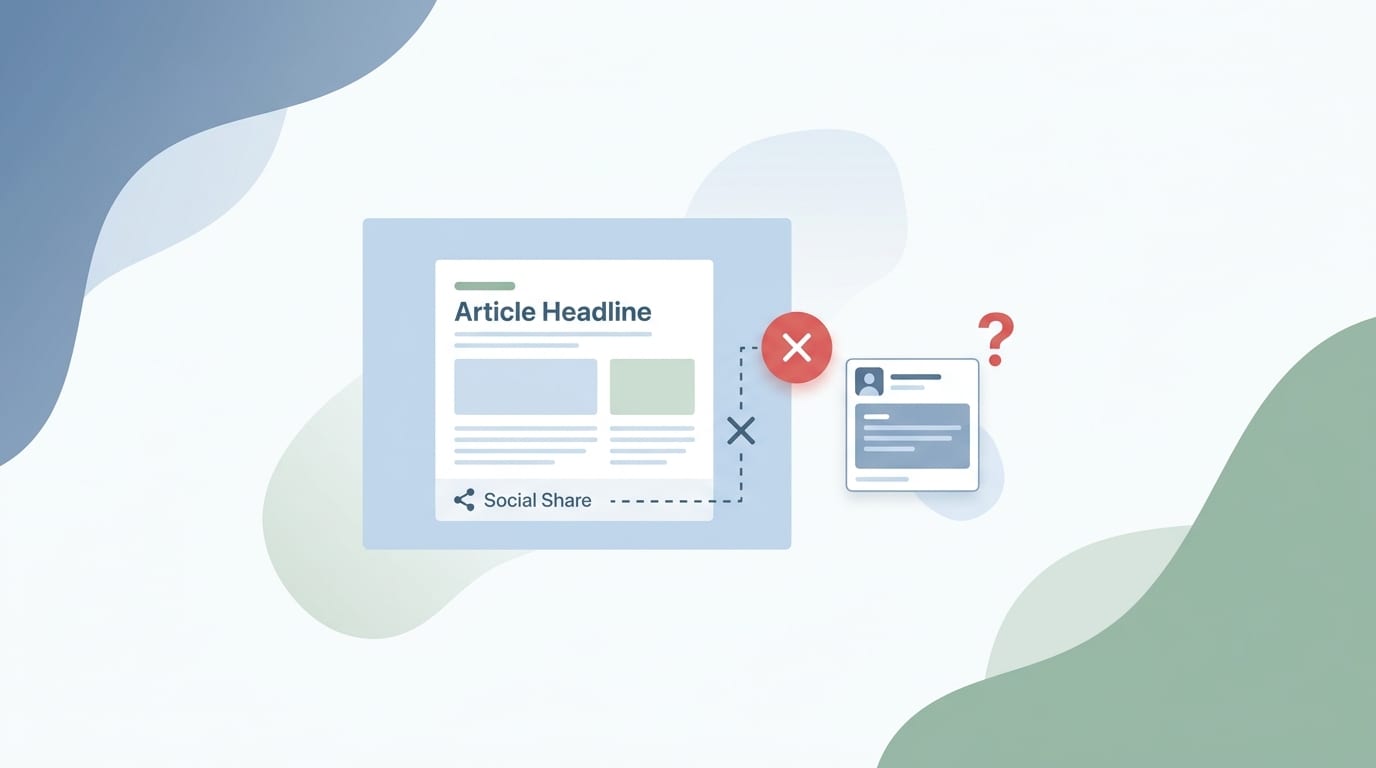
Extracted website text is rarely ready to post as-is. Website copy tends to be longer, more explanatory, and built for people who are already browsing your site. Social media copy needs sharper hooks, faster context, and platform-specific formatting. In other words, your 1,200-word blog section cannot simply be dropped onto X like a content anvil.
Here is how to adapt extracted website content for different platforms:
Use professional insights, lessons, industry commentary, and story-driven snippets. A blog paragraph can become a short thought leadership post. Start with a hook, give one clear idea, add a practical takeaway, and end with a question.
Example:
Website text: “Consistent posting helps businesses build trust with audiences over time.”
LinkedIn version: “Trust is not built by posting once, disappearing for six weeks, and returning with ‘Big news!’ Consistent posting keeps your brand familiar. Familiarity builds credibility. Credibility makes sales conversations easier. What is one posting habit your team is trying to improve this quarter?”
X
Extract short insights, punchy tips, stats, quotes, and threads. A single blog section can become a five-post thread. Keep sentences tight. Trim fluff. Add personality.
Use extracted content for captions, carousel slides, Reels scripts, and quote graphics. Instagram rewards clarity and visual packaging. Pull one core lesson and build around it.
Facebook works well for conversational posts, community questions, helpful tips, and links with context. Extract FAQs, customer stories, and practical advice.
Use blog titles, how-to steps, list posts, and visual summaries. Pinterest is search-driven, so extracted website content should become keyword-rich pin titles and descriptions.
Buffer’s social media resources consistently emphasize adapting content to the platform rather than blasting identical posts everywhere. Their social media marketing guide is a good primer on why platform behavior matters. The short version: same source content, different outfit. LinkedIn gets the blazer. Instagram gets the nice lighting. X gets espresso.
Content Generator handles this adaptation pain beautifully with AI-powered text generation and multi-platform support. You can use website content as the source, then generate variations for Pinterest, X, Instagram, Facebook, and LinkedIn. That means your brand message stays consistent while each post feels native to the platform. Fancy, but useful fancy—not “gold-plated stapler” fancy.
Step 5: Format Snippets So They Don’t Look Like Website Leftovers
A common mistake when people extract website for social posts is treating snippets like chopped-up leftovers. You cannot just grab a sentence, slap on a link, and expect applause. Good social snippets need structure.
Use this simple format:
- Hook: Stop the scroll with a clear problem, bold statement, or curiosity gap.
- Context: Explain why it matters in one or two sentences.
- Value: Share the extracted tip, quote, stat, or insight.
- Action: Ask a question, invite a comment, or send users to the original page.
For example, let’s say your website has a product page explaining automated scheduling. The raw text might say: “Our advanced scheduling system allows users to plan and publish content across multiple platforms.” Fine. Accurate. Also about as emotionally thrilling as a printer manual.
A better social post would be:
“Still posting manually at 11:47 p.m. because ‘the algorithm likes consistency’? Friend, no. Schedule it once. Let automation publish across platforms. Then go live your life, hydrate, and stop negotiating with your calendar.”
This version keeps the core message but adds personality and a clear pain point. That is the transformation you want: extracted content becomes social-native content.
For recurring evergreen content, this approach is especially powerful. You can pull tips from permanent pages and rotate them over time. Content Generator supports automated recurring content every 4 weeks, which means your best website insights do not vanish after one post. For a closer look at that workflow, read how recurring social media posts work.

Step 6: Add Links, CTAs, and Tracking Without Being Annoying
Extracted website content should usually point back to the source page, especially if your goal is traffic, leads, product education, or sales. But every post does not need to scream “VISIT OUR WEBSITE” like a banner ad from 2007.
Use CTAs that match the post type:
- For educational posts: “Read the full guide.”
- For product tips: “See how it works.”
- For case studies: “Explore the full customer story.”
- For FAQs: “Get the complete answer on the blog.”
- For Pinterest: Use keyword-rich descriptions and direct links.
- For LinkedIn: Invite discussion first, then link in a natural way.
Tracking is also important. Use UTM parameters when appropriate so you know which platforms and posts drive traffic. Google’s Campaign URL Builder guidance explains how campaign tracking works in Google Analytics. This is how you stop guessing and start knowing whether that spicy LinkedIn post actually brought people to your pricing page or just earned three comments from coworkers.
Content Generator’s scheduling system helps here because you can plan content ahead, organize posts by platform, and publish consistently. If your workflow includes pulling website content weekly or monthly, scheduling prevents the “we forgot to post again” problem. For a dedicated process, see this guide on how to schedule posts from website content.
Step 7: Legal and Ethical Tips So Your Content Strategy Doesn’t Need a Lawyer-Shaped Fire Extinguisher
Let’s talk legality. Extracting content from your own website is generally straightforward. Extracting content from someone else’s website is where things get spicy, and not in the fun taco way.
If you are using your own content, make sure you have rights to all included materials: copy, photos, graphics, charts, testimonials, and third-party embedded assets. If freelancers created content for you, check your contracts. If customers gave testimonials, confirm you have permission to reuse them on social platforms.
If you are extracting from third-party websites for curation, research, or commentary, follow these rules:
- Do not repost full articles or large chunks of someone else’s content.
- Quote short excerpts with attribution when appropriate.
- Link back to the original source.
- Add your own commentary, analysis, or summary.
- Respect robots.txt, site terms, and copyright notices.
- Do not scrape private, gated, or restricted content.
- Do not use extracted content to impersonate or mislead.
For general copyright basics, the U.S. Copyright Office’s fair use resource is a useful starting point. Fair use is context-specific, not a magic spell you chant while reposting someone’s infographic. When in doubt, summarize, attribute, link, and create original commentary.
Ethically, the best approach is simple: use your own website as the primary source. That gives you cleaner rights, stronger brand consistency, and better conversion paths. Content Generator is strongest when it helps businesses mine their own approved content and turn it into social assets. It is not about stealing the internet. It is about making your existing content finally earn its rent.
Step 8: Automate the Workflow Before Manual Posting Eats Your Calendar
Manual extraction works when you have one page and plenty of coffee. But serious social media marketing needs systems. Otherwise, content creation becomes a weekly panic ritual involving 19 tabs, a spreadsheet named “final_FINAL_v3,” and a caption that says “Check out our latest blog” because everyone gave up.
A practical automated workflow looks like this:
- Select high-value URLs from your website.
- Extract the page text, headings, metadata, and image references.
- Generate platform-specific post variations.
- Create or select branded visuals.
- Apply templates for design consistency.
- Review and edit for accuracy, tone, and compliance.
- Schedule posts across platforms.
- Repeat evergreen posts at planned intervals.
- Measure performance and improve future snippets.
Content Generator ties these steps together in one platform. It can scrape website content for bulk post creation, generate AI-powered captions, create AI images, support custom templates, import CSV files, and schedule posts across major platforms. That is not just convenient; it changes the economics of social media production. Instead of spending hours creating ten posts, you can generate and schedule large batches in seconds or minutes.
Here are five practical reasons Content Generator is a no-brainer if you regularly extract website for social posts:
- Speed: Bulk creation turns URLs into many posts without manual copy-paste marathons.
- Consistency: Templates and recurring scheduling keep your brand visible and recognizable.
- Platform fit: AI text generation helps adapt one source page into posts for different networks.
- Visual support: Google Gemini-powered image generation helps create original visuals for extracted topics.
- Automation: Advanced scheduling and recurring content reduce the weekly content scramble.
If you want to try the creation flow directly, the Content Generator post creation tool is the logical next stop. Bring a URL. Leave with posts. Very civilized.

Real-World Example: One Blog Post Becomes 20 Social Assets
Let’s make this concrete. Suppose you run a SaaS company and publish a blog post called “How to Reduce Customer Onboarding Time.” That single webpage includes an introduction, five best practices, two customer examples, one checklist, and a closing CTA.
Here is what you can extract:
- Five LinkedIn posts, each focused on one onboarding best practice.
- One X thread summarizing the full article.
- Three standalone X tips with punchy hooks.
- One Instagram carousel: “7 Ways to Shorten Customer Onboarding.”
- Two quote graphics using memorable lines from the article.
- One Facebook discussion prompt about onboarding challenges.
- Three Pinterest pins linking to the blog post.
- One short video script for a Reel or LinkedIn video.
- One recurring evergreen post scheduled every four weeks.
That is 20 assets from one page. Not bad for content that already existed. It is like finding a $20 bill in your winter coat, except the coat is your CMS and the $20 bill is pipeline.
With Content Generator, you can speed up this process dramatically. Scrape the blog URL, generate variations, apply templates, create images, and schedule the posts. You still review and polish, because humans remain useful despite what the toaster says. But the heavy lifting moves from manual production to guided automation.
Common Mistakes When Extracting Website Content for Social Posts
Even a good strategy can get weird if executed poorly. Here are the mistakes to avoid:
Posting the same text everywhere
Cross-posting identical captions across platforms is easy, but it often feels lazy. Audiences behave differently on LinkedIn, Instagram, X, Facebook, and Pinterest. Adjust length, tone, format, hashtags, and CTAs.
Forgetting the hook
Website paragraphs often begin with context. Social posts need hooks. Lead with the problem, surprise, stat, question, or bold claim. Context comes second.
Using too much extracted text
Do not paste giant chunks of webpage copy into social posts. Extract the idea, not the entire wall of text. Social users are scrolling, not settling in with tea and a footstool.
Ignoring visuals
Text-only posts can work, especially on LinkedIn and X, but visual assets expand your options. Use templates, quote graphics, carousels, and AI-generated images to package ideas attractively.
Skipping review
Automation is powerful, but review matters. Check facts, links, brand tone, grammar, compliance, and platform fit before publishing. AI is fast, but it can occasionally wander into confident nonsense territory wearing a tiny hat.
Not measuring results
Track which extracted topics perform best. Are FAQs driving clicks? Are quote graphics earning saves? Are case study snippets generating comments? Use performance data to decide which website pages deserve more social repurposing.
The Best Workflow to Extract Website for Social Posts
If you want a simple, repeatable process, use this workflow:
- Audit your website: Identify your best blog posts, product pages, FAQs, guides, and case studies.
- Prioritize evergreen content: Choose pages that stay relevant for months, not news that expires by lunch.
- Extract core ideas: Pull headings, tips, stats, quotes, examples, and CTAs.
- Rewrite for each platform: Adapt the same idea into platform-native language.
- Create visuals: Use templates, images, carousels, or AI-generated graphics.
- Add links and tracking: Send users back to the source page when relevant.
- Schedule in batches: Plan posts ahead to avoid daily scrambling.
- Set recurring evergreen posts: Reuse timeless insights strategically.
- Analyze and improve: Double down on topics that get engagement and traffic.
This is exactly the kind of workflow Content Generator supports. It helps you move from webpage to social calendar with fewer steps, less manual work, and better consistency. If you want even more ideas for this workflow, this article on creating social media posts from website content is a strong companion resource.
Conclusion: Your Website Is Not a Brochure. It Is a Social Content Machine in Disguise
Learning how to extract website for social posts is one of the highest-leverage moves in modern content marketing. Your website already contains approved messaging, helpful insights, product explanations, customer proof, and SEO-friendly content. Social media simply gives that content legs, shoes, and a tiny megaphone.
The smart approach is not to copy-paste randomly. Choose strong pages. Extract useful ideas. Rewrite for each platform. Create fresh visuals. Add ethical links and attribution. Schedule consistently. Measure what works. Then repeat until your social calendar stops looking like a haunted spreadsheet.
And if you would rather not do all of that by hand, Content Generator is built for the job. With website scraping, bulk post creation, AI-powered text generation, Google Gemini image generation, custom templates, CSV import, recurring content, and multi-platform scheduling, it turns your website into a steady stream of social posts without turning you into a copy-paste goblin.
Your next step is simple: pick one high-value webpage, extract the best ideas, and turn it into 10 social posts. Or let Content Generator do the heavy lifting while you supervise like a very wise, very relaxed content wizard. Either way, your website has content gold in it. Time to stop hoarding and start posting.

