
If you want to schedule posts from website content without manually copying, pasting, resizing, rewriting, uploading, crying softly, and repeating until your coffee goes cold, you are in the right place. Your website is already packed with useful content: product pages, blog posts, service descriptions, case studies, FAQs, landing pages, and probably a few forgotten gems hiding in the digital attic. The trick is turning that existing content into scheduled social media posts consistently, efficiently, and without needing a 37-tab spreadsheet named “FINAL-final-actually-final-v9.”
Scheduling posts from your website means taking content that already exists on your site and transforming it into social posts for platforms like LinkedIn, Instagram, Facebook, X, and Pinterest. Done well, it saves time, keeps your social channels alive, and squeezes more value out of content you already paid for, wrote, edited, approved, and maybe emotionally bonded with.
In this guide, we’ll walk through step-by-step methods to schedule posts from website pages, choose the right platforms, set smart timing, automate publishing, avoid common mistakes, and troubleshoot the annoying bits. We’ll also show where Content Generator fits in as your AI-powered social media sidekick: less “manual content hamster wheel,” more “set it up and get back to running the business.”
Why Scheduling Posts From Your Website Is Secretly Brilliant
Your website is not just a fancy online brochure wearing a blazer. It is a content engine. Every page contains ideas that can be reshaped into social posts: tips, quotes, product highlights, benefits, customer pain points, statistics, tutorials, and calls to action.
When you schedule posts from website content, you unlock three major benefits: consistency, efficiency, and better content ROI. Instead of constantly asking, “What should we post today?” you start asking, “Which useful website page should we repurpose next?” Much better question. Fewer existential spirals.
Consistency matters because social media rewards ongoing activity. According to Sprout Social’s guidance on social media content strategy, brands need intentional planning and audience-focused content to stay relevant across platforms. Random posting is not a strategy. It is digital confetti. Fun for five seconds, then mostly a mess.
Repurposing website content also helps you get more mileage from existing assets. A single blog post can become:
- A LinkedIn thought leadership post
- An Instagram carousel outline
- A Pinterest pin description
- A Facebook discussion prompt
- An X thread or short post series
- A recurring evergreen post every few weeks
This is exactly where Content Generator becomes ridiculously useful. It can scrape website content, generate social media post variations, create AI-powered images, and schedule those posts across multiple platforms. In human terms: it does the tedious part before your brain starts making dial-up modem noises.
Step 1: Choose the Website Content Worth Scheduling
Before you schedule anything, choose the right source content. Not every website page deserves a social media parade. Your privacy policy probably does not need a cinematic Instagram launch unless your brand voice is “compliance goblin chic.”
Start with pages that already have clear value for your audience. These are usually blog posts, guides, product pages, comparison pages, tutorials, case studies, and FAQ pages. If a page answers a real question or solves a real problem, it is a strong candidate for social repurposing.
Look for content that fits one of these categories:
- Educational: how-to articles, tutorials, industry explainers
- Promotional: product pages, feature announcements, service pages
- Trust-building: testimonials, case studies, customer stories
- Evergreen: tips, best practices, checklists, FAQs
- Timely: event pages, seasonal campaigns, launches, reports
For example, if you run an eCommerce store, each product category page can become multiple social posts highlighting use cases, benefits, materials, customer questions, and buying tips. If you run a SaaS company, each feature page can become a post explaining one pain point it solves. If you are a creator, each blog post can become a week’s worth of platform-specific snippets.
If you want a deeper breakdown of converting site pages into usable social content, read how to turn website content into social posts. It pairs nicely with this guide, like coffee and deadlines.
Step 2: Turn Website Pages Into Platform-Ready Social Posts
Here is where many people trip over their own shoelaces: they copy a paragraph from their website and paste it directly onto every social platform. Technically, that is posting. Strategically, it is microwaving a steak.
Each platform has different expectations. LinkedIn likes insight, expertise, and industry conversation. Instagram wants visual appeal and punchy captions. Pinterest needs searchable titles and descriptions. X rewards brevity and immediacy. Facebook often performs well with community-focused language and questions.
So, when you schedule posts from website content, adapt the message for each platform. A single webpage might become five different posts:
- LinkedIn: “Most teams waste hours rewriting website content for social. Here’s how automation changes that.”
- Instagram: “Your website is full of content ideas. Stop letting them nap.”
- Pinterest: “How to Repurpose Website Content Into Social Media Posts”
- X: “Your blog post can become 10 social posts. Your copy-paste habit could never.”
- Facebook: “Do you reuse your website content for social media, or are you still creating every post from scratch?”
Research from Hootsuite on social media content calendars emphasizes the importance of planning content ahead so teams can stay organized and maintain consistent publishing. The content itself is only half the battle. The other half is structuring it so it belongs on the platform where you are publishing it.
Content Generator helps here by using AI-powered text generation to transform website content into platform-specific posts. You can generate multiple variations, adjust tone, and prepare posts for different networks without becoming a full-time caption goblin. It also supports Pinterest, X, Instagram, Facebook, and LinkedIn, so you can build one streamlined workflow instead of hopping between tools like a caffeinated frog.
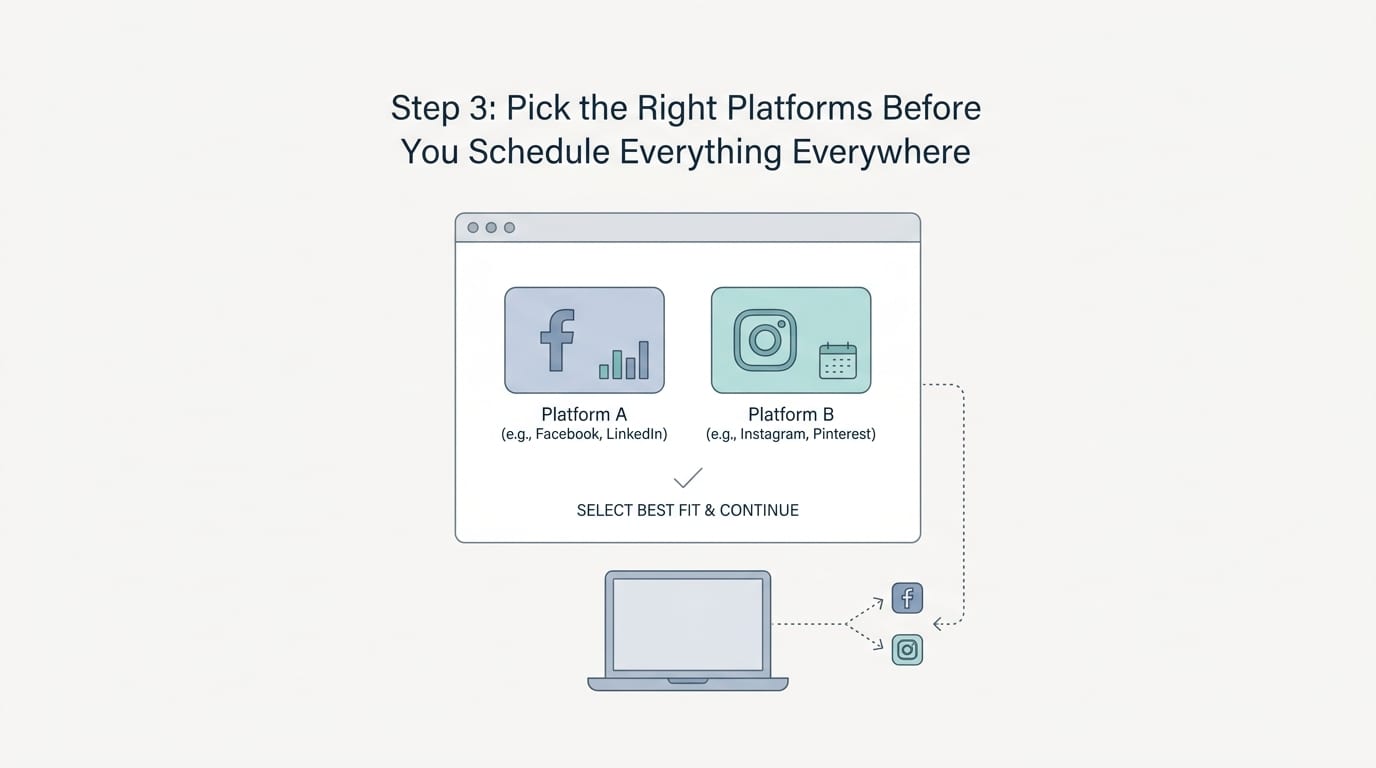
Step 3: Pick the Right Platforms Before You Schedule Everything Everywhere
Just because you can publish everywhere does not mean you should blast the same thing everywhere at once. Scheduling posts from website content works best when you match content type to platform intent.
Use LinkedIn for professional insights, B2B offers, case studies, industry opinions, and educational content. Use Instagram for visual storytelling, product highlights, behind-the-scenes content, quick tips, and brand personality. Use Pinterest for evergreen, searchable content like guides, tutorials, products, recipes, templates, and inspiration. Use Facebook for community conversations, announcements, and audience engagement. Use X for quick opinions, news, updates, and concise tips.
Here is a simple matching framework:
- Blog posts: LinkedIn, Pinterest, Facebook, X
- Product pages: Instagram, Pinterest, Facebook
- Case studies: LinkedIn, Facebook
- How-to guides: Pinterest, LinkedIn, X
- Feature pages: LinkedIn, X, Instagram
- Visual portfolios: Instagram, Pinterest, Facebook
Buffer’s research and guidance on building a social media marketing strategy reinforces a key point: effective social media starts with goals, audience understanding, and platform selection. In other words, don’t post to TikTok just because your nephew said “everyone is there” while eating cereal out of a mug.
If your goal is traffic, Pinterest and LinkedIn can be strong choices depending on your niche. If your goal is engagement, Instagram and Facebook may be better. If your goal is timely commentary, X is useful. If your goal is B2B credibility, LinkedIn is your sensible shoes and blazer platform.
For multi-platform workflows, Content Generator’s scheduling system is built to help you create, schedule, and publish across major networks from one place. If you are specifically trying to coordinate posts across several channels, check out this related guide on how to schedule posts to multiple platforms.
Step 4: Build a Posting Schedule That Doesn’t Annoy Humans
Scheduling is not just picking random times and hoping the algorithm blesses your crops. Timing matters. Frequency matters. Audience behavior matters. Your sanity also matters, though social media platforms occasionally forget this.
Start by deciding how often you can realistically publish high-quality posts. More is not always better. Consistent and useful beats frantic and forgettable. A small business might begin with three to five posts per week. A content-heavy brand might post daily or multiple times per day on selected platforms. The goal is to create a schedule you can maintain without turning your marketing team into startled raccoons.
A practical weekly schedule might look like this:
- Monday: Educational post from a blog article
- Tuesday: Product or service benefit from a website page
- Wednesday: Quick tip or quote from an existing guide
- Thursday: Case study or proof-based post
- Friday: Engagement question or recap post
For timing, use analytics where possible. Most social platforms offer insights about when your audience is active. You can also compare performance over time and adjust. HubSpot’s collection of marketing statistics and trends consistently highlights how important data-driven decisions are for modern marketing teams. Translation: trust the numbers, not your “I feel like Tuesday at 2:17 p.m. has vibes” instinct.
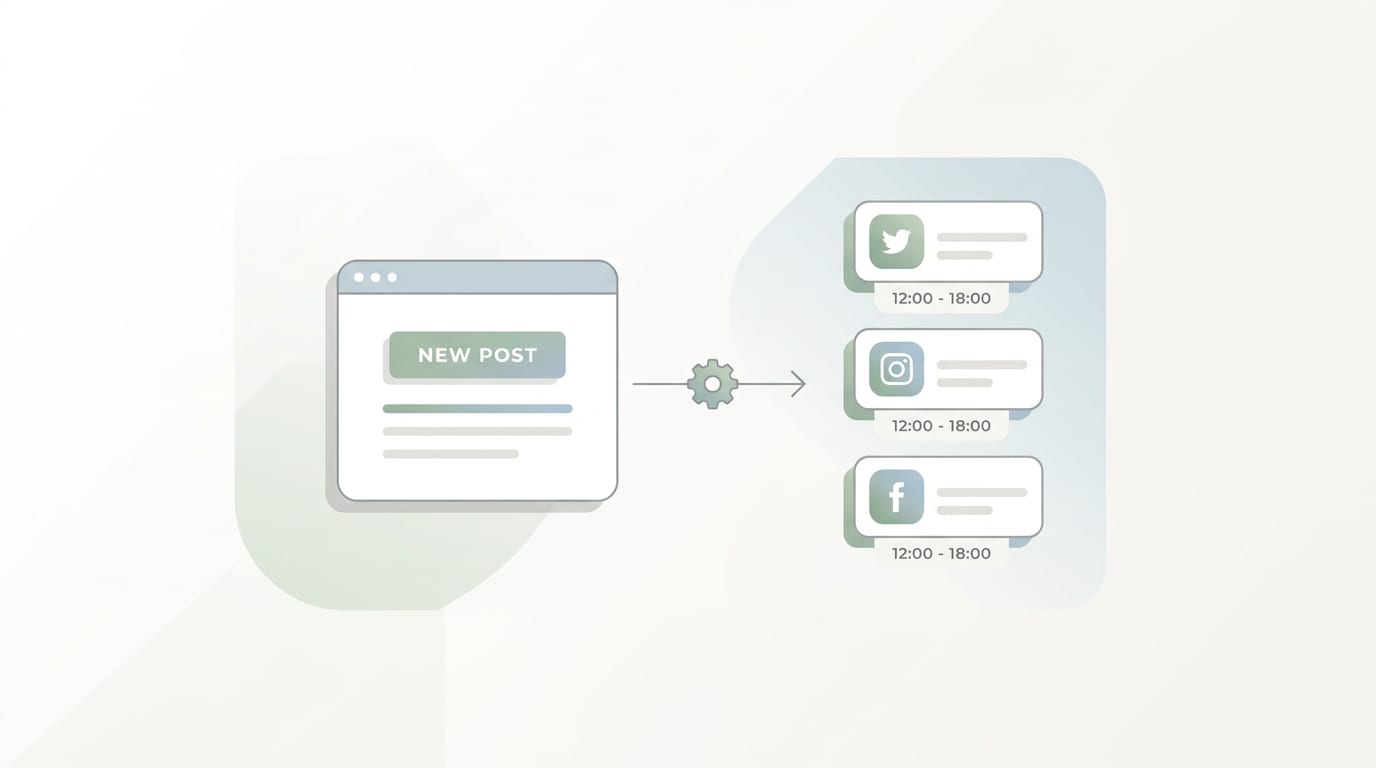
Content Generator makes scheduling easier with an advanced scheduling system and recurring automation. One especially handy feature is automated recurring content every four weeks. That means evergreen posts from your website can resurface regularly without you manually rebuilding them. Your best content gets more chances to perform, and you get fewer calendar-induced headaches.
Step 5: Automate Publishing Without Losing the Human Touch
Automation should not make your brand sound like a toaster wearing a name badge. The goal is to remove repetitive work, not personality. When you schedule posts from website content, automation handles extraction, generation, formatting, and publishing. You still guide the strategy, approve the tone, and decide what deserves attention.
A smart automation workflow looks like this:
- Choose website URLs to repurpose.
- Extract key ideas, benefits, and calls to action.
- Generate platform-specific captions.
- Create or attach visual assets.
- Review for accuracy, tone, and relevance.
- Schedule posts across selected platforms.
- Track performance and refine future content.
This is where Content Generator is not just “nice to have.” It is the difference between spending hours producing posts and generating a full batch in seconds. Its bulk content creation from website scraping feature can pull content from your site and turn it into ready-to-schedule posts. Add AI image generation powered by Google Gemini, and you can create visuals too. That is huge, because visuals are not optional on many platforms; they are the shiny wrapper on your content burrito.
The key is review. Even excellent AI needs a human editor. Check facts, remove repetition, adjust brand voice, and make sure the post matches the page it links to. Automation gets you 80% to 95% of the way there fast. Your review adds the final polish, charm, and “yes, this sounds like us” sparkle.
If you are exploring different approaches to transforming web pages into social content, this guide on turning a website into social media posts expands on practical repurposing workflows.
Step 6: Use Templates So Your Brand Doesn’t Look Like It Got Dressed in the Dark
Scheduling posts from website content is not only about text. Visual consistency matters too. If every post looks wildly different, your feed can feel like a garage sale run by a graphic designer during a power outage.
Templates solve this. They help maintain consistent fonts, colors, layouts, and visual hierarchy. Templates also speed up production because you are not reinventing the design wheel every time you promote a blog post, product, or tip.
Useful template types include:
- Blog post promo graphics
- Quote cards
- Product highlight layouts
- Before-and-after comparison posts
- Carousel educational slides
- Tip-of-the-week graphics
- Announcement templates
Content Generator includes a template builder with custom designs, which is ideal if you want your scheduled posts to look cohesive across platforms. You can combine extracted website content with branded layouts, then schedule everything without bouncing between writing tools, design tools, scheduling tools, and that one mystery app you subscribed to in 2021 and forgot about.
Templates are especially powerful for recurring content. For example, if you publish one blog post per week, you can create a repeatable design system: one LinkedIn graphic, one Instagram square post, one Pinterest pin, and one Facebook image. Then each new website article flows into the same visual structure. Clean. Fast. Beautiful. Like meal prep, but for marketing.
Step 7: Add Links, CTAs, and Tracking Like a Responsible Adult
If your social posts are based on website content, the destination matters. Make sure each scheduled post links to the correct page, uses a clear call to action, and supports your marketing goal.
Common calls to action include:
- Read the full guide
- Explore the feature
- See the examples
- Download the checklist
- Shop the collection
- Book a demo
- Try the tool
Do not use the same CTA every time. Mix soft CTAs and direct CTAs. Some posts should educate. Some should drive traffic. Some should start conversations. Some should sell. If every post screams “BUY NOW,” your audience will mentally place you in the same category as pop-up ads and leaf blowers at 7 a.m.
Use UTM parameters when possible so you can track which platforms, posts, and campaigns drive traffic. Google’s documentation on URL campaign tracking in Google Analytics explains how campaign parameters help identify traffic sources. This matters because scheduling content is only useful if you can learn from performance.
For example, you may discover that Pinterest drives long-term traffic to how-to posts, LinkedIn performs best for thought leadership, and Instagram produces more engagement than clicks. Those insights help you decide what to schedule next and where to invest energy.
Content Generator supports fast creation and scheduling, but the strategic advantage comes from pairing automation with performance review. Generate, schedule, measure, refine. That loop is how your website content becomes an actual growth system instead of a content junk drawer.
Step 8: Troubleshoot Common Scheduling Problems Before They Bite
Even the best workflow can hit snags. Social platforms change rules. Images crop strangely. Captions get cut off. Links preview like they were assembled by raccoons. Do not panic. Most issues are fixable.
Problem: The post looks weird on one platform
Different platforms have different image ratios, character limits, and preview formats. A graphic that looks perfect on Instagram may crop awkwardly on Pinterest or LinkedIn. Use platform-specific templates and preview posts before scheduling when possible.
Problem: Captions feel repetitive
If you are repurposing one website page into many posts, repetition can sneak in wearing tiny shoes. Generate several variations with different angles: educational, controversial, benefit-driven, question-based, and story-based. Content Generator’s AI text generation can help create these variations quickly.
Problem: You scheduled too much promotional content
Balance your calendar. A simple rule: mix education, engagement, trust-building, and promotion. If your feed is all sales posts, it becomes a digital sandwich board. Useful? Maybe. Charming? Not really.
Problem: Links go to outdated pages
Before scheduling a batch, check that each URL is live, relevant, and up to date. Nothing kills trust like sending people to a 404 page. That is not a funnel; that is a trapdoor.
Problem: You forgot what is scheduled
Use a central calendar. This is another reason tools like Content Generator help. When scheduling, creation, and publishing live in one workflow, you reduce confusion and avoid accidentally posting the same message three times in one day like a bot with hiccups.
Step 9: Create a Repeatable Workflow You Can Actually Stick To
The best system is not the fanciest system. It is the one you actually use. To schedule posts from website content consistently, create a repeatable weekly or monthly routine.
Here is a simple monthly workflow:
- Pick 10 to 20 website URLs worth promoting.
- Group them by theme: education, product, proof, engagement.
- Generate platform-specific post variations.
- Create branded visuals using templates.
- Schedule posts across your chosen platforms.
- Set evergreen posts to recur every four weeks where appropriate.
- Review analytics at the end of the month.
- Keep winners, rewrite underperformers, retire the duds.
This workflow is powerful because it turns website content into a reusable social media library. You are no longer starting from scratch every week. You are building a machine. Not an evil machine. A helpful one. Like a Roomba for content distribution, except it will not get stuck under the sofa.
Content Generator is designed around this exact idea. It helps businesses, creators, and marketers create posts from existing content, generate visuals, import CSV files, build templates, schedule across multiple platforms, and automate recurring posts. If your current workflow involves copying from your website into a spreadsheet, then into a design tool, then into five social platforms, then into a nap, Content Generator is the obvious upgrade.
For X-specific scheduling tips, especially if that platform is part of your distribution mix, take a look at how to schedule Twitter posts. Yes, everyone calls it X now. Yes, many of us still say Twitter sometimes. Language is messy. So is branding.
Why Content Generator Is Built for This Exact Job
Let’s be direct: if your goal is to schedule posts from website content, Content Generator fits the job like a suspiciously perfect puzzle piece.
Here are the biggest reasons it works:
- Website scraping for bulk creation: Turn website pages into social post ideas without manually extracting every sentence.
- AI-powered text generation: Create platform-specific captions quickly, with multiple variations and angles.
- AI image generation: Generate visuals powered by Google Gemini so your posts are not just words floating in the void.
- Multi-platform support: Publish to Pinterest, X, Instagram, Facebook, and LinkedIn from one workflow.
- Recurring automation: Schedule evergreen content to repeat every four weeks and keep your best ideas circulating.
- Template builder: Maintain brand consistency without designing every post from scratch.
- CSV import: Bring in batches of content if you already have ideas, URLs, or campaign data prepared.
The time savings are the headline, but the real win is consistency. Social media growth rarely comes from one magical post. It comes from showing up repeatedly with useful, relevant content. Content Generator helps make that sustainable, especially for small teams that do not have a 12-person content department and a snack wall.
If you want to see how automation fits into the bigger picture, explore Content Generator’s social media automation features. It is built for the “we need to publish consistently but also have 900 other things to do” crowd. A noble and exhausted people.
Final Checklist: Your Website-to-Social Scheduling System
Before you start scheduling, run through this quick checklist. It is less dramatic than a launch sequence, but much more useful.
- Have you selected high-value website pages?
- Have you adapted posts for each platform?
- Have you added clear CTAs and correct links?
- Have you created platform-friendly visuals?
- Have you balanced educational, promotional, and engagement content?
- Have you scheduled posts at realistic times and frequencies?
- Have you set evergreen content to recur where appropriate?
- Have you reviewed everything for accuracy and brand voice?
- Have you set up tracking so you can measure results?
If the answer is yes, congratulations. You now have a content distribution system instead of a weekly panic ritual. Big upgrade. Very adult. Slightly magical.
Conclusion: Stop Letting Your Website Content Sit There Looking Pretty
Your website is already full of social media content. The problem is not a lack of ideas. The problem is the manual slog required to turn those ideas into polished, scheduled posts across multiple platforms. That slog is where good intentions go to wear sweatpants forever.
When you schedule posts from website content, you make your existing work go further. You create consistency. You save hours. You keep your audience engaged. You turn blog posts, product pages, guides, and FAQs into an ongoing stream of useful social content. And with the right automation, you can do it without hiring a full-time calendar wizard.
Content Generator makes the process faster and cleaner by combining website scraping, AI text generation, AI image creation, branded templates, multi-platform scheduling, CSV import, and recurring automation. In plain English: it helps you create and schedule better posts in seconds, not hours.
So here is your next step: pick five strong pages from your website and turn each one into three social posts. Schedule them. Watch what happens. Then automate the workflow with Content Generator before your spreadsheet starts demanding benefits.
Your website has been doing the quiet work. Now let it talk.

