
Your social media calendar should not feel like a haunted spreadsheet that screams every Monday morning. Yet for many owners, posting online is exactly that: a messy mix of “Did we post today?”, “Who has the logo file?”, and “Why did Instagram crop Dave’s head off again?” A small business posting tool fixes that chaos by helping you plan, create, schedule, publish, and measure social content without sacrificing your lunch break, your weekend, or your remaining emotional stability.
This guide walks you through how to choose and use a small business posting tool like a pro. We’ll cover content planning, scheduling workflows, analytics basics, time-saving automation, team processes, and how Content Generator fits into the whole beautiful circus. The goal is simple: help your business show up consistently online without turning social media into a second full-time job wearing a tiny hat.
Why a Small Business Posting Tool Is No Longer “Nice to Have”
Small businesses used to get away with posting whenever inspiration struck. A photo here. A holiday greeting there. A “We’re open!” post with 14 exclamation points. Charming? Maybe. Scalable? Absolutely not.
Today, customers expect businesses to be present, responsive, and recognizable across multiple platforms. They may discover you on Instagram, compare you on Facebook, check your credibility on LinkedIn, and save your ideas on Pinterest. Meanwhile, X is over in the corner doing X things. Keeping up manually is like trying to juggle flaming pineapples while answering customer emails.
According to HubSpot’s marketing statistics, social media continues to be one of the core channels marketers use to build brand awareness, drive traffic, and connect with audiences. For small businesses, that means consistency matters. Not “post 12 times per day and become a caffeine-powered content goblin” consistency, but enough steady activity that people remember you exist.
A small business posting tool helps you:
- Plan posts ahead of time instead of panic-posting at 4:57 p.m.
- Publish across multiple platforms from one dashboard.
- Reuse and repurpose content without starting from scratch.
- Maintain a consistent brand voice and visual style.
- Track what works so you can stop feeding the algorithm nonsense snacks.
This is also why platforms like Content Generator are so useful. Instead of making you manually write every caption, resize every asset, and schedule every post one by one, Content Generator combines AI-powered text generation, multi-platform scheduling, AI image generation, templates, CSV imports, and recurring automation in one workflow. Translation: fewer tabs, fewer headaches, and fewer “I’ll do it tomorrow” lies.
The Real Problem: Small Business Owners Are Doing Too Much
Let’s be honest. Most small business owners are not just “the marketing person.” They are also the sales team, operations department, customer service desk, unofficial therapist, part-time IT specialist, and person who knows where the receipt printer paper is hidden.
Social media gets squeezed between urgent tasks. That’s why it often becomes reactive instead of strategic. You remember to post when business is slow, then disappear when things get busy. Unfortunately, audiences do not read your operational chaos as “we are delightfully swamped.” They read it as inconsistency.
A small business posting tool solves this by turning content into a system. You create content in batches, schedule it in advance, and let automation handle publishing. This does not remove creativity. It protects creativity from being eaten alive by logistics.
If you are still building your broader marketing setup, this guide pairs well with Content Generator’s article on small business marketing tools. The key idea is that good tools should reduce complexity, not add another dashboard that requires a certificate, a webinar, and a sacrifice to the SaaS gods.
Here’s the practical shift: stop thinking of posting as a daily task. Think of it as a weekly or monthly production process. You plan once, create in bulk, schedule everything, then monitor performance. That one mindset change can save hours every week.
What to Look for in a Small Business Posting Tool
Not every posting tool is built for small businesses. Some are designed for large agencies with teams, layers of approval, and budgets that look like phone numbers. A small business needs something powerful but not ridiculous. Think “Swiss Army knife,” not “NASA control room.”
1. Multi-platform publishing
Your tool should support the platforms where your customers actually spend time. Content Generator supports Pinterest, X, Instagram, Facebook, and LinkedIn, which covers a strong mix of visual discovery, professional networking, local community engagement, and conversational content.
Multi-platform support matters because posting manually on each network wastes time and increases the odds of mistakes. Nobody wants to realize they posted a LinkedIn-style B2B thought leadership caption on Instagram under a photo of cupcakes. It happens. The internet remembers.
2. Scheduling that feels easy, not archaeological
A good small business posting tool should let you schedule posts quickly and view upcoming content clearly. If you need a map, compass, and emotional support llama to schedule a Tuesday post, that tool is not helping.
Content Generator’s advanced scheduling system is designed to make planning simple. You can create posts, assign dates, and build a content queue without bouncing between platforms. For a deeper look at scheduling workflows, the Content Generator scheduling page explains how automated publishing keeps your calendar moving even when you are busy running the actual business.
3. AI-assisted content creation
Blank-page syndrome is real. You know your business. You know your customers. But when it’s time to write a caption, your brain suddenly becomes soup.
AI-powered text generation helps you turn rough ideas, product details, blog posts, or website content into usable social posts. Content Generator can help create captions quickly, which is especially useful for recurring promotions, educational posts, product highlights, and seasonal campaigns.
4. Visual content support
Social media is visual. Even text-first platforms reward strong formatting and engaging creative. Content Generator includes AI image generation powered by Google Gemini, plus a template builder for custom designs. That means you can create branded content without needing to open a professional design tool every time someone says “Can we make it pop?”
5. Bulk creation and imports
One of Content Generator’s best small-business-friendly features is bulk content creation from website scraping and CSV file import. If you have product pages, service pages, blog posts, or a spreadsheet full of offers, you can turn those assets into content faster. That’s not just convenient. That’s the difference between “we posted twice this month” and “we have a real social presence.”
How to Build a Content Plan Without Becoming a Spreadsheet Wizard
A posting tool works best when it has a plan to execute. Otherwise, it is just a very fancy cannon loaded with random confetti.
Your content plan does not need to be complex. Start with 4–6 content pillars. These are the repeatable themes your business can talk about every week. For example, a local bakery might use:
- Product spotlights: cupcakes, seasonal pies, sourdough loaves.
- Behind the scenes: decorating, baking, staff moments.
- Customer love: reviews, testimonials, tagged photos.
- Education: how to store bread, cake ordering tips.
- Promotions: holiday preorders, weekly specials.
- Community: local events, partnerships, charity drives.
A service business might use a different set: tips, FAQs, case studies, before-and-after examples, team introductions, myth-busting posts, and local market commentary. The format changes, but the structure stays simple.
Research from Sprout Social on social media content strategy emphasizes the importance of setting goals, understanding your audience, and measuring performance. In plain English: know who you are talking to, why you are posting, and whether anyone cares.
Once you have content pillars, create a weekly pattern. For example:
- Monday: educational tip
- Tuesday: product or service spotlight
- Wednesday: behind-the-scenes post
- Thursday: testimonial or case study
- Friday: promotion, event, or fun brand post
This removes the “What should we post?” question from your life. That question is sneaky. It steals time, morale, and sometimes snacks. With a repeatable framework, your small business posting tool becomes much easier to use because you are filling slots, not reinventing your identity every morning.
Content Generator makes this even smoother with recurring content automation every 4 weeks. That is especially handy for evergreen posts like FAQs, service reminders, booking prompts, and educational tips. You can keep valuable content circulating without manually resurrecting it like a tiny marketing zombie.
The Smart Scheduling Workflow: Batch, Schedule, Breathe
The biggest advantage of a small business posting tool is batch scheduling. Instead of logging in daily, you create a chunk of content at once and schedule it across your channels. This is the marketing version of meal prep, except fewer containers go missing.
Here is a practical workflow you can use every week or month:
- Review goals: Are you promoting a product, driving bookings, building awareness, or educating customers?
- Choose content pillars: Pick the themes you want to cover during the next scheduling period.
- Gather assets: Collect photos, links, product details, testimonials, and offers.
- Create captions: Use AI assistance to draft posts quickly, then edit for brand voice.
- Create visuals: Use templates or AI image generation to make posts look polished.
- Schedule by platform: Adjust captions and formats for each network.
- Review the calendar: Check spacing, timing, and campaign flow.
- Publish and monitor: Let automation do the heavy lifting while you watch performance.
The beauty of Content Generator is that it supports this full workflow. You can generate posts, design templates, import content in bulk, create visuals, and schedule across platforms. It is not just a posting tool; it is a content production machine that does not require you to bribe an intern with iced coffee.
If you want to explore a broader automation-first approach, Content Generator’s post on choosing a small business automation tool is a helpful companion. Posting tools are most powerful when they fit into a larger system that automates repetitive work while preserving human judgment.
Platform-Specific Posting Tips: Same Brand, Different Party
One mistake small businesses make is blasting the exact same post everywhere with no adjustments. This is understandable. You are busy. But each platform has its own vibe. Posting the same thing everywhere is like wearing the same outfit to a wedding, gym class, and court appearance. Technically possible. Not recommended.
Instagram rewards strong visuals, short hooks, carousels, Reels, and community interaction. Use it for product photos, behind-the-scenes moments, quick tips, and brand personality. Keep captions readable and make the first line count.
Facebook remains useful for local businesses, events, community updates, promotions, and customer conversations. Posts can be a bit more conversational. Ask questions. Share updates. Promote seasonal offers without sounding like a billboard that learned to type.
LinkedIn is great for B2B businesses, professional services, founders, consultants, and companies with expertise to share. Focus on insights, case studies, company news, industry opinions, and educational posts. Keep it professional, but please do not remove all signs of human life.
Pinterest works well for evergreen discovery, especially in categories like home, food, fashion, wellness, weddings, design, education, and DIY. Pins can continue driving traffic long after posting. Use clear visuals, keyword-rich descriptions, and helpful content.
X
X is best for concise updates, commentary, quick insights, conversation, and timely posts. It can move fast, so clarity wins. If your audience uses X for news or industry chatter, schedule short, useful updates and participate in relevant discussions.
Tools like Content Generator make multi-platform posting practical because you can create variations without manually rebuilding each post from scratch. That matters. You want consistency, not copy-paste laziness in a fake mustache.
Analytics Basics: Measure Without Drowning in Numbers
Analytics can feel intimidating, but small businesses do not need to track 47 metrics while whispering “engagement velocity” into the void. Start with simple measurements tied to your goals.
According to Buffer’s guide to social media analytics, tracking performance helps you understand what content resonates, when to post, and how social media supports broader business goals. For small businesses, the most useful metrics usually include:
- Reach: How many people saw the post?
- Engagement: How many liked, commented, shared, saved, or clicked?
- Clicks: Did people visit your website, booking page, product page, or menu?
- Follower growth: Is your audience growing over time?
- Conversions: Did posts contribute to inquiries, sales, sign-ups, or bookings?
The trick is comparing content types, not obsessing over single posts. One post flopping does not mean your brand is doomed. It means one post flopped. Congratulations, you are participating in the internet.
Look for patterns:
- Do behind-the-scenes posts get more comments?
- Do educational tips get more saves?
- Do product posts get clicks but fewer likes?
- Do posts with faces perform better than graphics?
- Do Tuesday morning posts beat Friday evening posts?
Once you spot patterns, adjust your schedule. Make more of what works. Improve what underperforms. Retire content that consistently lands with the enthusiasm of a damp napkin.
A small business posting tool should help you keep publishing consistently enough to gather meaningful data. Random posting creates random results. Consistent posting gives you trends. Trends help you make decisions. Decisions help you grow. Look at that—we found a business strategy hiding under the memes.
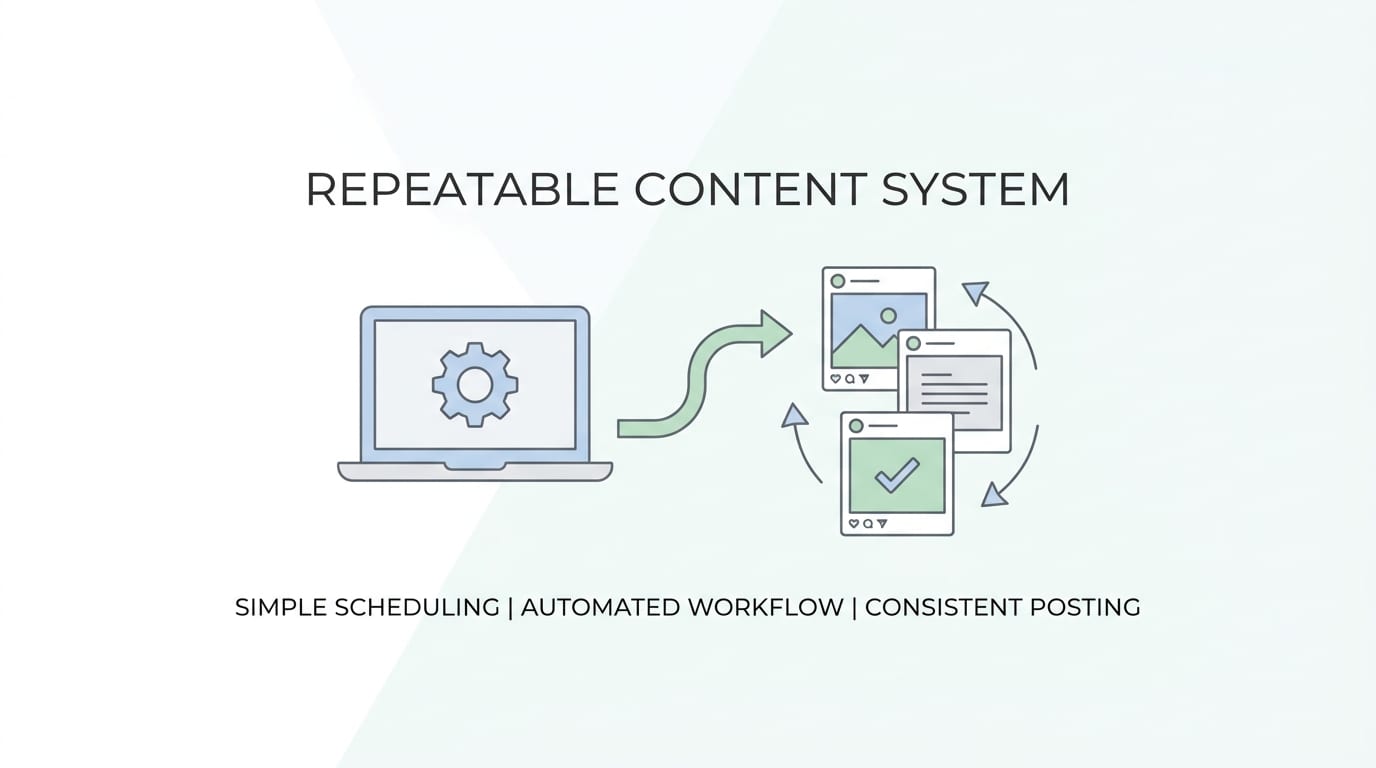
How Content Generator Turns Posting Into a Repeatable System
Content Generator is built for the exact problem small businesses face: needing high-quality social content across multiple platforms without spending hours creating, resizing, rewriting, and scheduling everything manually.
Here is where it becomes your new best friend, minus the awkward group chat.
Bulk content creation from your website
If your website already explains your services, products, features, FAQs, or blog topics, Content Generator can help turn that existing material into social posts. This is huge because most businesses are sitting on useful content but do not have time to repackage it. Your website is not just a digital brochure. It is a content pantry.
Automated recurring content every 4 weeks
Evergreen content deserves more than one sad little appearance. Service reminders, testimonials, educational tips, and common FAQs can be reused strategically. Content Generator’s recurring automation helps keep your feed active and valuable without requiring constant manual scheduling.
AI image generation powered by Google Gemini
Need visuals but do not have a photographer, designer, or magic brand fairy? AI image generation helps create supporting graphics and concepts faster. Pair that with templates, and your content can look consistent even if your design department is technically just you and a laptop with 3% battery.
Template builder for brand consistency
Templates keep your visuals recognizable. Use them for tips, quotes, promotions, product spotlights, announcements, and testimonials. Content Generator’s template tools help you avoid the “every post looks like it came from a different planet” problem.
If visual consistency is a priority, explore the Content Generator templates page to see how reusable designs can speed up creation while protecting your brand style.
CSV import for organized teams
If you plan campaigns in spreadsheets, CSV import is a gift. You can organize post ideas, captions, dates, links, and campaign details, then bring them into your workflow more efficiently. This is especially useful for product launches, seasonal campaigns, franchises, agencies, and businesses with lots of recurring offers.
Common Mistakes to Avoid When Using a Posting Tool
A small business posting tool is powerful, but it is not a substitute for strategy. A hammer is useful. It will not design the house. It will, however, help you stop trying to hang pictures with a shoe.
Mistake 1: Scheduling too far ahead without checking context
Scheduling is wonderful, but review your calendar regularly. A post that seemed harmless three weeks ago may feel tone-deaf after major news, local events, or business changes. Build a quick weekly review into your workflow.
Mistake 2: Ignoring comments and messages
Posting is not the whole job. Social media is social. If people comment, ask questions, or tag your business, respond. Engagement builds trust, and trust is the thing that turns lurkers into buyers.
Mistake 3: Making everything promotional
If every post screams “BUY NOW,” people will leave faster than a cat near bathwater. Mix promotions with education, entertainment, proof, personality, and community content. A helpful rule: give value more often than you ask for action.
Mistake 4: Using AI with zero editing
AI is excellent for speed and ideas, but your voice still matters. Edit captions so they sound like your brand. Add details, local references, customer language, and personality. Content Generator helps you move quickly, but the best results happen when smart automation meets human taste.
Mistake 5: Not connecting posts to business goals
Likes are nice. Revenue pays rent. Make sure some of your posts guide people toward meaningful actions: booking, ordering, calling, subscribing, visiting your location, downloading a guide, or requesting a quote.
If you are mapping social media into your full marketing plan, Content Generator’s guide on small business digital marketing can help connect posting with websites, content, automation, and customer acquisition.
A Simple 30-Day Posting Plan for Small Businesses
Need a starting plan? Good. We love a practical blueprint. Here is a simple 30-day structure you can create inside a small business posting tool.
- 4 educational tips that answer common customer questions.
- 4 product or service spotlights explaining benefits.
- 4 behind-the-scenes posts showing your process or team.
- 4 testimonial or proof-based posts.
- 4 promotional posts with clear calls to action.
- 4 community or local posts.
- 3 personality posts, founder notes, or brand stories.
- 3 traffic-driving posts pointing to a blog, product page, booking page, or resource.
That gives you 30 posts without having to invent 30 brand-new ideas from scratch. You can batch this in Content Generator by pulling content from your website, generating caption variations, using templates for recurring formats, creating visuals, and scheduling everything across your priority platforms.
For example, a landscaping company could create:
- “3 signs your lawn needs aeration” as an educational post.
- “Before and after: backyard cleanup” as proof content.
- “Meet the crew” as a personality post.
- “Book spring maintenance before March 15” as a promotional post.
- “How we prep garden beds” as behind-the-scenes content.
A boutique fitness studio could create:
- Workout form tips.
- Member success stories.
- Class schedule reminders.
- Trainer introductions.
- Beginner-friendly myth-busting posts.
The business changes. The system holds. That is the point of using a small business posting tool: repeatability without blandness.
How to Choose the Right Tool Without Getting SaaS-Induced Vertigo
Before choosing a tool, ask practical questions. Not “Does this platform have 900 features?” but “Will I actually use this on a Tuesday when three customers need help and the coffee machine sounds haunted?”
Use this checklist:
- Does it support the platforms your customers use?
- Can you create and schedule posts quickly?
- Does it help with both text and visuals?
- Can it handle bulk creation or imports?
- Does it support recurring evergreen content?
- Is the interface simple enough for busy people?
- Will it save enough time to justify the cost?
- Does it help maintain quality, not just quantity?
Content Generator checks these boxes because it was built around speed, automation, and multi-platform consistency. It helps small businesses create posts in seconds instead of hours, generate visuals, use custom templates, schedule across major platforms, import content in bulk, and automate recurring content. In plain business terms: it helps you do more marketing with less manual grind.
If you are comparing options, you may also find Content Generator’s article on a social media tool for small business useful. It goes deeper into the social-specific features that matter when you are trying to grow without hiring a full marketing department.
And yes, budget matters. Always. A tool should earn its keep by saving time, improving consistency, and helping you publish better content. If a platform is expensive but still leaves you doing all the work manually, that is not automation. That is a subscription with decorative buttons.
Final Thoughts: Post Smarter, Not Louder
A small business posting tool is not about flooding the internet with more content just because you can. Nobody needs another robotic post that says “Happy Wednesday!” over a stock photo of a laptop and a succulent. The real goal is to create a repeatable system that helps your business show up with useful, timely, on-brand content—without turning your day into a caption-writing obstacle course.
The winning formula is simple: plan your pillars, batch your content, schedule ahead, tailor posts by platform, monitor analytics, and refine what works. Do that consistently, and social media becomes less of a daily panic ritual and more of a growth channel you can actually manage.
Content Generator makes that process faster and easier by combining AI-powered content creation, AI image generation, templates, bulk website-based content creation, CSV imports, recurring automation, and advanced scheduling across Pinterest, X, Instagram, Facebook, and LinkedIn. It is the kind of small business posting tool that gives you back time, protects your consistency, and helps your brand look like it has its life together—even on days when your inbox is a raccoon fire.
If you are ready to stop manually wrestling with social posts and start building a smarter workflow, take a look at Content Generator. Your future self will thank you. Your content calendar might even stop glaring at you from across the room.

