
Your social media calendar should not feel like a hungry raccoon living in your inbox. Yet here we are: five platforms, twelve post formats, three campaigns, one half-finished caption, and a Canva tab that has been open since Tuesday. A social media batch creator fixes that chaos by helping you create many posts at once, organize them into a publishing plan, and schedule everything before your coffee gets cold. Well, maybe lukewarm. Let’s be realistic.
In this guide, we’ll walk through exactly how to use a social media batch creator to plan, generate, template, schedule, and recycle high-quality content without turning your workday into a caption-writing swamp. We’ll also cover practical workflows, examples, mistakes to avoid, and how tools like Content Generator make the whole thing delightfully less painful.
What Is a Social Media Batch Creator, Besides a Sanity-Saving Machine?
A social media batch creator is a tool or workflow that lets you produce multiple social media posts in one focused session instead of creating posts one by one every day. Think of it like meal prepping, but instead of chopping broccoli while questioning your life choices, you’re preparing captions, images, hashtags, links, and publishing times ahead of schedule.
The goal is simple: reduce context switching. When you create posts one at a time, your brain has to repeatedly jump between strategy, writing, design, editing, platform formatting, and scheduling. That’s not productivity. That’s mental ping-pong with extra tabs.
A good social media batch creator helps you:
- Create multiple posts from one idea, URL, product page, blog post, or campaign.
- Generate platform-specific captions for Instagram, LinkedIn, Facebook, X, Pinterest, and more.
- Apply reusable templates so your posts stay visually consistent.
- Bulk upload content using CSV files or other structured formats.
- Schedule posts across multiple channels from one central workflow.
- Repurpose existing content so your best ideas don’t die alone in a Google Doc.
Content Generator is built specifically for this kind of workflow. It combines AI-powered text generation, bulk content creation from website scraping, AI image generation powered by Google Gemini, custom design templates, CSV importing, and advanced scheduling. In normal-human terms: it helps you turn “we should post more” into “done, scheduled, and looking suspiciously professional.”
Why Batch Creating Social Media Posts Works So Well
Batching works because social media is not just “write a caption and slap an emoji on it.” It’s strategy, creative production, formatting, timing, analysis, and consistency. If you’re doing all of that from scratch every morning, you are basically running a tiny media company with the operational structure of a sock drawer.
According to HubSpot’s marketing statistics, social media remains a major channel for brand awareness, customer engagement, and lead generation. But consistency matters. Audiences do not build trust with brands that post once, vanish for three weeks, and return with “Sorry we’ve been quiet!” energy.
Batch creation helps you stay visible without living inside your scheduling tool. It gives you space to think strategically. Instead of scrambling to post something today, you can plan themes for the month, align posts with campaigns, and make sure every piece of content has a job.
Here’s what improves when you batch your social content:
- Consistency: You publish regularly without daily panic.
- Quality: You create while focused, not while rushing between meetings.
- Brand voice: Your messaging feels cohesive instead of “written by five raccoons in a trench coat.”
- Efficiency: You reuse templates, prompts, and proven formats.
- Strategy: You can map posts to goals like traffic, leads, engagement, or sales.
If you want a deeper dive into the scheduling side of this process, Content Generator has a helpful guide on social media batch scheduling that pairs nicely with this workflow. Batch creation and batch scheduling are best friends. Like coffee and deadlines.
Step 1: Plan Your Content Buckets Before You Generate Anything
Before opening a social media batch creator, decide what types of content you actually need. Otherwise, you’ll generate 72 posts and realize they all say some version of “Check this out!” Congratulations, you made digital confetti.
Start with content buckets. These are repeatable themes that support your business goals and make planning easier. Most brands can begin with five to seven buckets.
Useful content bucket examples
- Educational posts: Tips, how-tos, tutorials, explainers, industry insights.
- Promotional posts: Product features, service benefits, offers, launches.
- Authority posts: Case studies, results, opinions, lessons learned.
- Engagement posts: Questions, polls, hot takes, conversation starters.
- Behind-the-scenes posts: Team updates, process snapshots, founder notes.
- Repurposed content: Blog snippets, podcast takeaways, webinar clips, newsletter highlights.
- Evergreen reminders: FAQs, common mistakes, myth-busting posts.
Let’s say you’re a SaaS company. A monthly batch might include eight educational posts, four feature-focused posts, three customer pain-point posts, four engagement posts, and two thought leadership posts. That gives you 21 posts without staring at a blank screen like it owes you money.
This is where Content Generator becomes very handy. You can feed it your website or product pages, and its bulk content creation can extract relevant information and turn it into multiple post ideas. Instead of manually copying bullet points from your site and rephrasing them until your soul leaves your body, you can generate usable drafts in seconds.
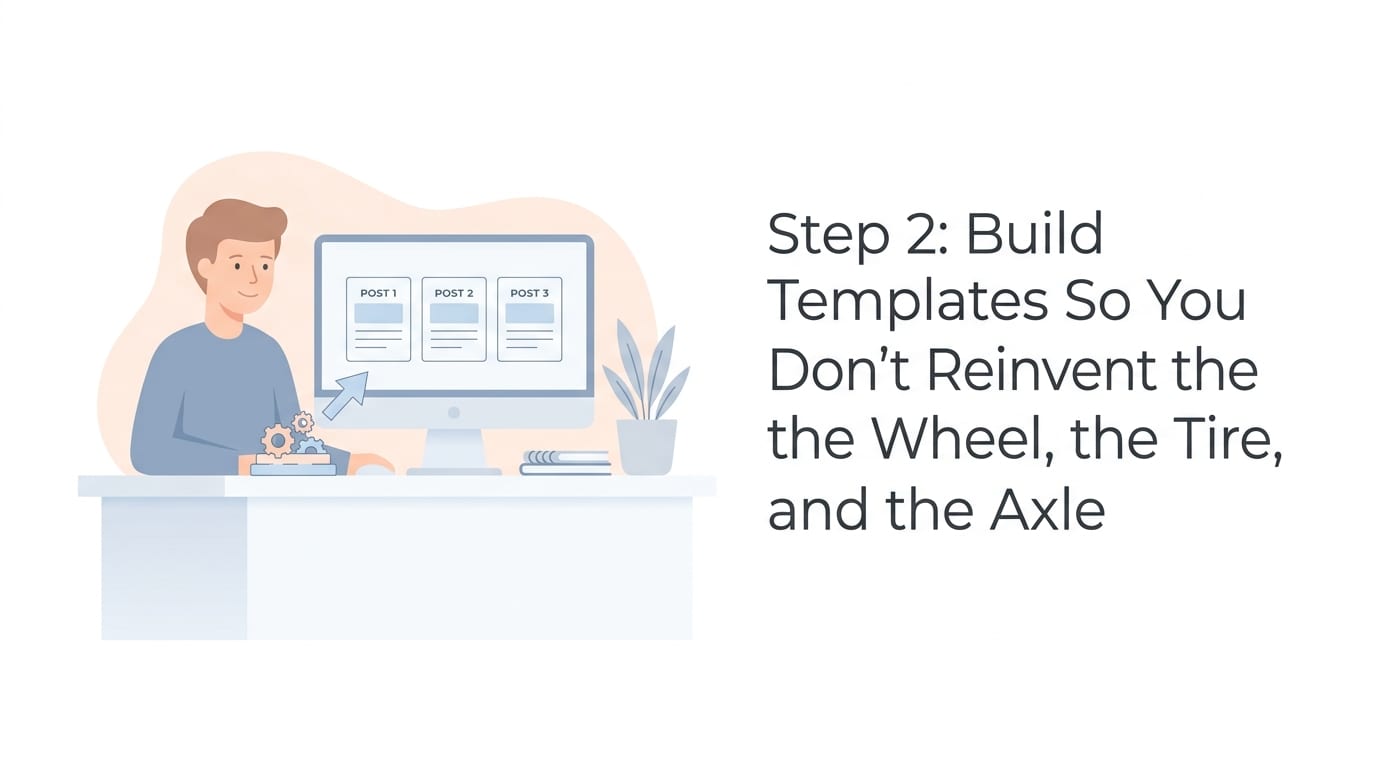
Step 2: Build Templates So You Don’t Reinvent the Wheel, the Tire, and the Axle
Templates are the secret sauce of efficient batching. They keep your content recognizable, speed up production, and prevent every post from looking like it wandered in from a different brand universe.
A template is not just a visual design. It can also be a caption structure, a content angle, or a recurring post format. The best social media batch creator workflows use both visual and written templates.
Caption templates you can reuse
- Problem → Insight → Tip → CTA: Great for educational posts.
- Myth → Truth → Example: Great for authority-building content.
- Question → Short answer → Deeper explanation: Great for LinkedIn and Facebook.
- Before → After → How: Great for transformation-based posts.
- List post: “5 ways to…” or “7 mistakes that…” because the internet loves tidy little lists.
Visual templates matter too. A consistent layout for quotes, tips, carousels, product highlights, and announcements makes your feed feel polished. Not “Fortune 500 with a 40-person creative team” polished, necessarily. More like “we have our act together and maybe even use folders” polished.
Content Generator includes a template builder with custom designs, which means you can create branded layouts and reuse them across batches. That’s especially useful if you’re managing multiple platforms or clients. You can keep fonts, colors, and layouts consistent while swapping in fresh text and visuals.
If templates are a major part of your workflow, you may also want to explore Content Generator’s template features. They are built for marketers who want repeatable, scalable content without making every post from scratch like it’s artisanal sourdough.
Step 3: Turn One Idea Into Many Platform-Specific Posts
One of the biggest wins of using a social media batch creator is turning one content asset into many posts. A blog post can become LinkedIn insights, Instagram carousel text, X threads, Facebook discussion prompts, and Pinterest pins. This is not being repetitive. This is being efficient. Your audience does not see every post on every channel unless they are either your mother or a private investigator.
For example, imagine you wrote a blog post called “10 Ways to Improve Your Morning Routine.” From that single asset, you could create:
- One LinkedIn post about productivity psychology.
- Three Instagram carousel posts covering different tips.
- Five X posts with punchy one-liners and links.
- Two Facebook questions asking followers about their morning habits.
- Four Pinterest pins targeting routine, productivity, and wellness keywords.
That’s 15 posts from one idea. Not bad for something that began as a single URL and a dream.
Sprout Social notes in its social media content strategy resources that effective content planning requires aligning content types with audience expectations and platform behavior. Translation: don’t post the same exact caption everywhere and call it a strategy. LinkedIn wants context. X wants brevity. Instagram wants visual appeal. Pinterest wants discoverability. Facebook wants conversation. Each platform has its own personality, like a group project with five very different people.
Content Generator helps by supporting multiple platforms including Pinterest, X, Instagram, Facebook, and LinkedIn. You can create variations for each platform instead of manually rewriting captions until the words “engaging post” lose all meaning.
For more on using AI to speed up this process, check out Content Generator’s guide to an AI social media content creator. It explains how AI can help with ideation, captions, and scaling content without making everything sound like a robot wearing a marketing badge.
Step 4: Use Bulk Uploads and CSV Imports Like a Grown-Up Content Wizard
If you’re producing content at scale, bulk uploading is your best friend. It allows you to organize posts in a spreadsheet and import them into your social media batch creator instead of copying and pasting captions one by one like it’s 2009.
A basic CSV content plan might include columns like:
- Post date
- Post time
- Platform
- Caption
- Image URL or asset name
- Link
- Campaign
- Content bucket
- Status
This structure helps you review content quickly, collaborate with teammates, and spot gaps. For example, you may realize you have twelve promotional posts and zero educational posts. That’s not a content mix. That’s a sales brochure wearing sunglasses.
Content Generator supports CSV file import, making it easier to batch upload posts and schedule them without tedious manual work. This is especially useful for agencies, ecommerce brands, franchises, and creators managing multiple campaigns at once.
If you want a full breakdown of bulk workflows, read this guide on how to batch upload social media. It covers the practical side of moving from spreadsheet chaos to scheduled serenity.
Step 5: Add AI Images Without Summoning Design Goblins
Visuals matter. A lot. According to Hootsuite’s social media image size guide, each platform has different image requirements and best practices. That means one image does not always fit everywhere. Social media platforms are picky little kingdoms.
A social media batch creator with AI image generation can save huge amounts of time. Instead of hunting for stock photos that look like “business people smiling at salad,” you can generate visuals that match your topic, campaign, or brand style.
Content Generator includes AI image generation powered by Google Gemini, which is useful when you need fresh creative assets for posts, pins, or campaign graphics. Pair that with custom templates, and you can produce branded visual content much faster.
Here’s a practical workflow:
- Choose the post topic or campaign theme.
- Generate 3-5 visual concepts using AI.
- Select the strongest image or direction.
- Apply your branded template.
- Resize or adapt for each platform.
- Schedule with the matching caption.
AI images are not a replacement for brand judgment. Please do not publish a generated image where hands look like melted spaghetti and call it “innovative.” Review every image. Check for weird artifacts, off-brand vibes, accidental nonsense text, and anything that might make your audience pause for the wrong reasons.

Step 6: Schedule in Batches, Then Let Automation Carry the Backpack
Creating content is only half the job. Scheduling is where your batch becomes a functioning content system. Without scheduling, you simply have a beautiful pile of drafts. Nice pile. Still a pile.
A strong scheduling workflow includes:
- Choosing posting days and times for each platform.
- Balancing content buckets across the week.
- Spacing promotional posts so you don’t sound like a mall kiosk.
- Reviewing platform previews before publishing.
- Leaving room for timely or reactive content.
Buffer’s research and resources on the best times to post on social media show that timing can vary by platform, audience, and industry. Use general benchmarks as a starting point, but rely on your own analytics over time. Your audience may be most active at 8 a.m., 8 p.m., or during that mysterious lunch-scroll window when everyone claims they’re “just checking one thing.”
Content Generator’s advanced scheduling system lets you create, schedule, and publish across multiple platforms from one place. Even better, it supports automated recurring content every 4 weeks. That means evergreen posts can cycle back into your calendar without you rebuilding them manually. It’s like having a tiny content assistant who doesn’t ask where the shared drive is.
For more on this exact workflow, take a look at Content Generator’s guide to batch social media posts. It explains how batching and scheduling work together to reduce daily content stress.
Step 7: Create a Repeatable Weekly or Monthly Workflow
The best social media batch creator is not just a tool. It’s part of a repeatable process. If your workflow changes every week depending on vibes, moon phases, and how many unread Slack messages you have, batching will feel harder than it needs to.
Here’s a simple monthly workflow you can steal like a responsible professional:
Week 1: Strategy and content planning
Review business goals, campaigns, launches, seasonal moments, and analytics from the previous month. Decide your content buckets and posting frequency. Pick the core assets you’ll repurpose, such as blog posts, landing pages, case studies, product pages, or newsletters.
Week 2: Batch creation
Use your social media batch creator to generate captions, post variations, hooks, CTAs, and image ideas. In Content Generator, this is where features like AI-powered text generation, website scraping, bulk creation, and AI images can dramatically speed things up.
Week 3: Editing and design
Review captions for accuracy, brand voice, and platform fit. Apply templates. Check links. Make sure claims are factual. Remove anything that sounds like it was written by a motivational calendar trapped in a blender.
Week 4: Scheduling and review
Schedule posts, preview them by platform, and confirm your calendar balance. Leave a few empty slots for timely posts, news, or spontaneous “we have a thought” moments.
If monthly batching feels too big, start weekly. Batch 5-10 posts at a time. Once you get comfortable, expand to two weeks, then a month. No need to become a content factory overnight. Even factories had to start somewhere, probably with a very organized clipboard.
Common Mistakes When Using a Social Media Batch Creator
A social media batch creator can save time, but only if you use it thoughtfully. Otherwise, you risk creating a large quantity of content that is technically scheduled but spiritually beige.
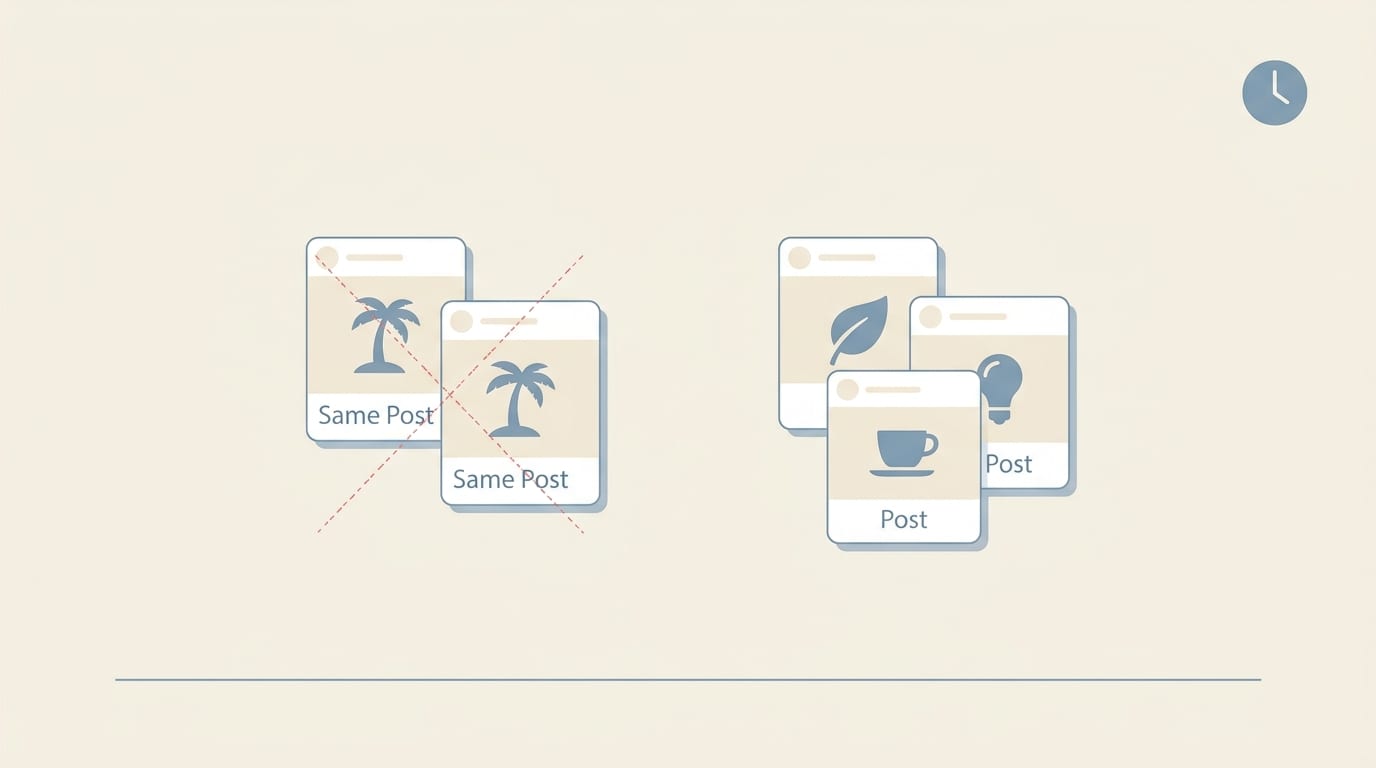
Mistake 1: Publishing the same post everywhere
Cross-posting is tempting, but each platform has different norms. A thoughtful LinkedIn post may be too long for X. A Pinterest pin needs search-friendly wording. Instagram relies heavily on the visual and first line. Customize your content enough that it feels native.
Mistake 2: Batching without strategy
More posts do not automatically mean better results. If every post has the same goal, tone, and CTA, your audience will tune out. Mix education, trust-building, engagement, and promotion.
Mistake 3: Forgetting to edit AI-generated content
AI is fast. It is not psychic. Review for accuracy, tone, and specificity. Add examples. Insert your brand’s point of view. Replace vague statements like “boost your online presence” with concrete benefits your audience actually cares about.
Mistake 4: Ignoring analytics
Batching should not mean “set it and forget it forever.” Review performance monthly. Identify which formats, topics, hooks, and platforms perform best. Then feed that insight back into your next batch.
Social Media Examiner regularly covers evolving platform behaviors and marketing trends, and their social media marketing resources are useful for staying current. Platforms change constantly. The algorithm is basically a raccoon with a remote control.
Why Content Generator Is Built for Social Media Batch Creation
Let’s be direct: a social media batch creator is only useful if it removes real work from your plate. Content Generator is designed around that exact problem. It helps businesses, creators, and marketers create, schedule, and publish high-quality social posts across platforms in seconds instead of hours.
Here are the big reasons it fits the batch creation workflow so well:
- Bulk content creation from websites: Turn your existing pages into post ideas and captions without manually extracting every detail.
- AI-powered text generation: Generate platform-specific captions, hooks, CTAs, and variations quickly.
- Google Gemini AI image generation: Create fresh visuals to support campaigns and reduce stock-photo dependency.
- Custom templates: Keep content branded and consistent across campaigns.
- CSV import: Upload organized batches instead of copying posts one at a time.
- Multi-platform support: Publish to Pinterest, X, Instagram, Facebook, and LinkedIn.
- Recurring automation: Automatically repeat evergreen content every 4 weeks when appropriate.
- Advanced scheduling: Plan and publish from one system instead of juggling five platform dashboards and a stress snack.
This is especially valuable for small teams. You may not have a full-time designer, copywriter, social strategist, and scheduler. Content Generator helps one person do more without cloning themselves or developing a concerning caffeine dependency.
If your main bottleneck is getting posts out consistently, Content Generator’s approach to social media batch posting is worth reading. It focuses on turning prepared content into a reliable publishing system.
A Practical Example: From One Website Page to a Month of Posts
Let’s make this real. Suppose you run a fitness coaching business and have a website page about a “12-week strength program.” Instead of writing posts manually from scratch, you can use a social media batch creator workflow like this:
- Scrape or input the program page into Content Generator.
- Generate 20 post ideas based on benefits, FAQs, objections, testimonials, and outcomes.
- Create platform-specific captions for Instagram, Facebook, LinkedIn, X, and Pinterest.
- Generate visuals: workout-themed images, quote cards, transformation-style graphics, and educational tip designs.
- Apply branded templates for consistency.
- Import or organize the posts into a schedule.
- Set evergreen educational posts to recur every 4 weeks.
Your final batch might include:
- Five educational posts about strength training myths.
- Four promotional posts about the 12-week program.
- Three client-objection posts about time, equipment, and confidence.
- Four engagement posts asking about goals and workout habits.
- Four Pinterest pins targeting beginner strength training keywords.
That’s a month of useful, varied content from one page. No creative meltdown. No last-minute “Happy Monday!” post with a stock image of a laptop and a succulent. We are healing.
Tips to Batch Posts Faster Without Making Them Terrible
Speed is great. Speed plus quality is better. The trick is to use systems without removing the human judgment that makes content worth reading.
- Start with strong source material: Use your best blogs, product pages, FAQs, case studies, and customer questions.
- Write clear prompts: Tell your AI tool the audience, platform, tone, goal, and desired format.
- Create post formulas: Use repeatable structures for tips, myths, lists, stories, and promotions.
- Edit in passes: First check accuracy, then voice, then formatting, then links.
- Batch similar tasks together: Generate captions first, then images, then schedule. Don’t bounce around like a caffeinated squirrel.
- Keep a swipe file: Save high-performing hooks, CTAs, and post formats for future batches.
- Review analytics monthly: Double down on what works and retire what flops.
Also, do not batch so far ahead that your content becomes stale. A month is a practical window for most brands. Quarterly batching can work for evergreen content, but leave room for current events, product updates, industry shifts, and spontaneous brilliance.

Your Social Media Batch Creator Workflow Checklist
Before you start your next batch, use this checklist to keep the process clean and efficient:
- Define the goal of the batch: awareness, traffic, leads, sales, engagement, or retention.
- Choose content buckets for the period.
- Select source material to repurpose.
- Generate post ideas and captions.
- Customize posts by platform.
- Create or generate visuals.
- Apply branded templates.
- Review for accuracy and tone.
- Organize posts in a calendar or CSV.
- Schedule across platforms.
- Set recurring evergreen posts where useful.
- Review performance and improve the next batch.
That’s the whole machine. Simple, repeatable, and significantly less chaotic than “What should we post today?” whispered into the void at 4:47 p.m.
Final Thoughts: Batch It Before It Bites You
A social media batch creator is not just a convenience tool. It’s a smarter way to manage modern content demands. When you batch posts, you protect your time, improve consistency, strengthen your brand voice, and make room for actual strategy. Revolutionary concept: marketing works better when you’re not constantly sprinting away from deadlines with one shoe on.
The winning formula is straightforward: plan your content buckets, use templates, repurpose strong source material, create platform-specific variations, generate visuals efficiently, schedule in batches, and review performance. Do that consistently, and social media becomes less of a daily emergency and more of a repeatable growth system.
Content Generator makes that system easier by combining AI content creation, website-based bulk generation, Gemini-powered AI images, CSV importing, branded templates, multi-platform publishing, recurring automation, and advanced scheduling in one place. In other words, it does the heavy lifting while you take credit like a responsible marketer.
If your current social workflow involves sticky notes, panic captions, and seven browser tabs named “final_final_post_REAL,” it may be time to upgrade. Start batching. Start automating. Start making your content calendar behave like it has manners.
Ready to create more posts in less time and finally stop feeding the social media raccoon by hand? Visit Content Generator and build your next batch before your next coffee break stages a rebellion.

